
Home > Ebuyer Categories > DEFAULT > Google Chromecast with Google TV - 4K - Snow


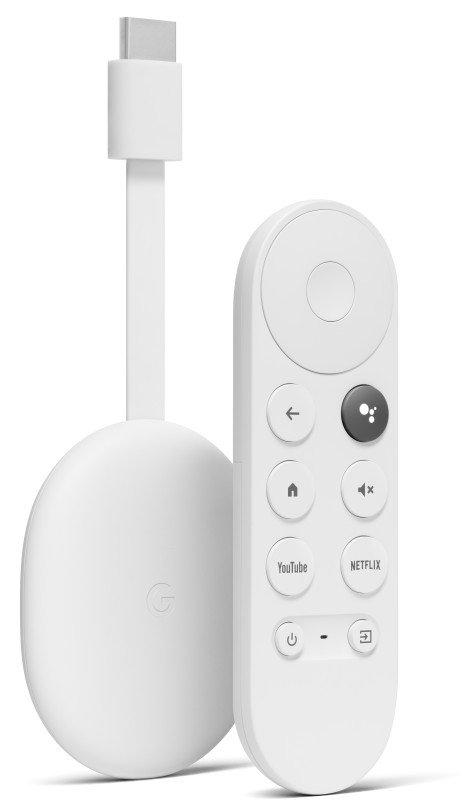
Google Chromecast with Google TV - 4K - Snow
 Brand
: Google Nest
Brand
: Google Nest
Category : default - All Categories
Ref: 1126183
Price: £59.49

Google Chromecast with Google TV - 4K - Snow - Entertainment that you love. With a little help from Google. Chromecast with Google TV streams your entertainment in up to 4K HDR.1 The entertainment that you love. All in one place. Google TV organises films and TV programmes from all your services in one home screen. Find your next favourite, based on your favourites. Get personal recommendations based on content that you enjoy. Watch what you like with the voice remote.2 Ask for a specific title, or search by mood, genre, actor and more. 1 Chromecast with Google TV requires a TV with an HDMI port, a Wi-Fi network, a Google Account, a nearby electrical socket or USB port, and a compatible mobile device. Minimum OS requirements are available at g.co/cast/req. To view content in 4K, a 4K-capable TV and reliable broadband Internet connection are also required. 2 Google Assistant registration and an Internet connection required. No switching apps. Just watching. Google TV organises all your content – across all your streaming services – on your home screen so that it’s easy to find what to watch. An app-load of your favourites. Discover over 400,000 films and TV episodes, plus millions of songs.1 1 Subscription services may be required. A personalised way to discover what to watch next. Get personal recommendations. Find your next favourite based on your subscriptions, viewing history and content that you own. Get more at the right price. When you search for a film, compare prices across different apps. Discover free content or try new services from your TV. "What should I watch?" Watch your favourites with your voice.1 Just press the Google Assistant1 button on the included remote to ask Google to find your TV programmes and films. And use the remote to control the volume, play music or get answers on-screen. "Find action films" 1 Google Assistant registration required. It’s easy to install. 1 Plug in Google Chromecast. Plug your Chromecast into a power socket and an HDMI port on your TV. 2 Switch TV input. Turn on your TV and switch to the input/source that your Chromecast is plugged into. 3 Put batteries in your voice remote. You’ll find batteries in the box. 4 Get the Google Home app. Follow the steps on your TV and in the app. Chromecast with Google TV requires a TV with an HDMI port, a Wi-Fi network, a Google Account, a nearby electrical socket or USB port, and a compatible mobile device. Minimum OS requirements are available at g.co/cast/req. To view content in 4K, a 4K-capable TV and reliable broadband Internet connection are also required.
Customers who purchased "Google Chromecast with Google TV - 4K - Snow" also bought:
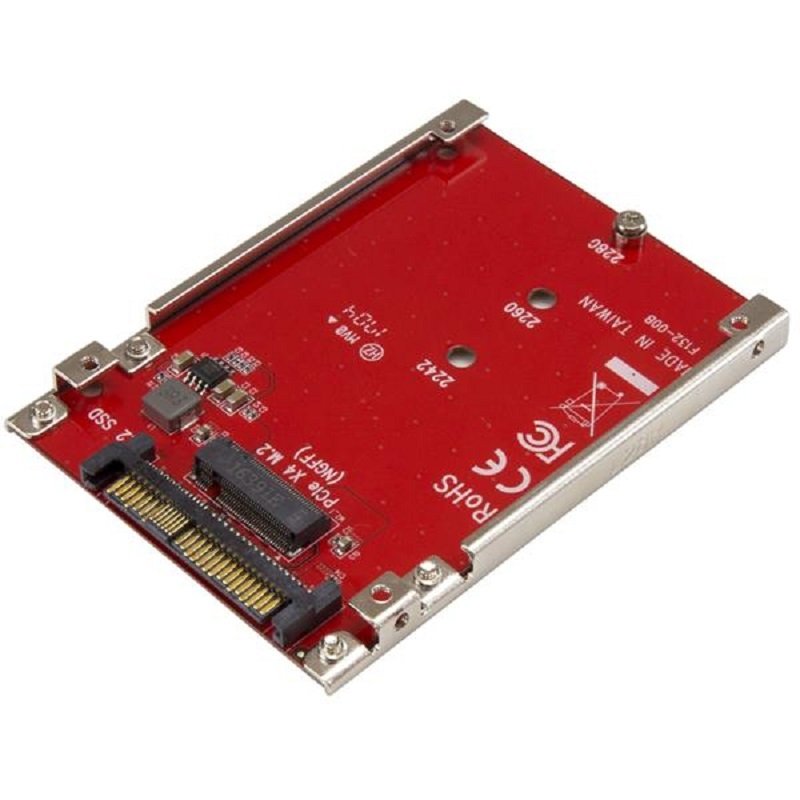 StarTech.com M.2 Drive to U.2 (SFF-8639) Host Adapter for M.2 PCIe NVMe SSDs
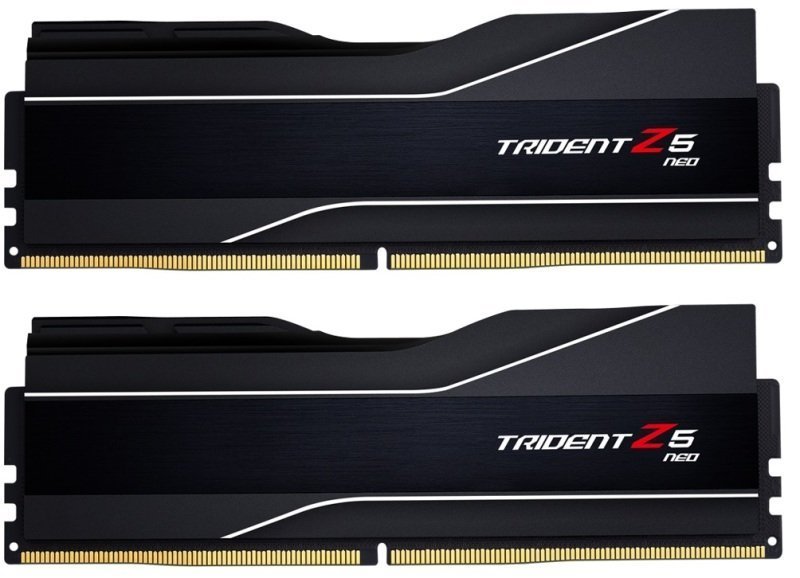 G.Skill Trident Z5 NEO 64GB 6000MHz CL30 DDR5 Memory - AMD Expo
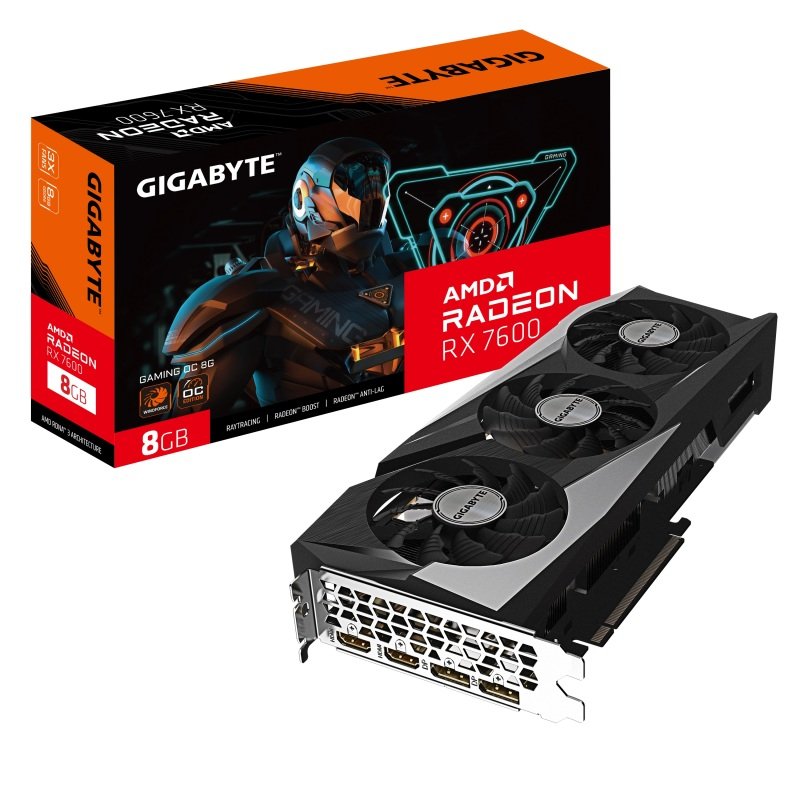 Gigabyte AMD Radeon RX 7600 8GB GAMING OC Graphics Card For Gaming
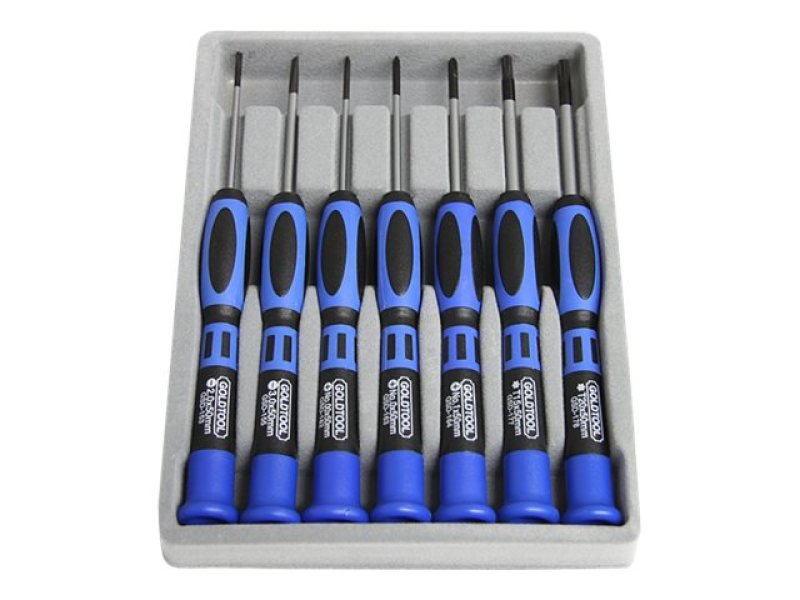 StarTech.com 7 Piece Precision Screwdriver Computer Tool Kit
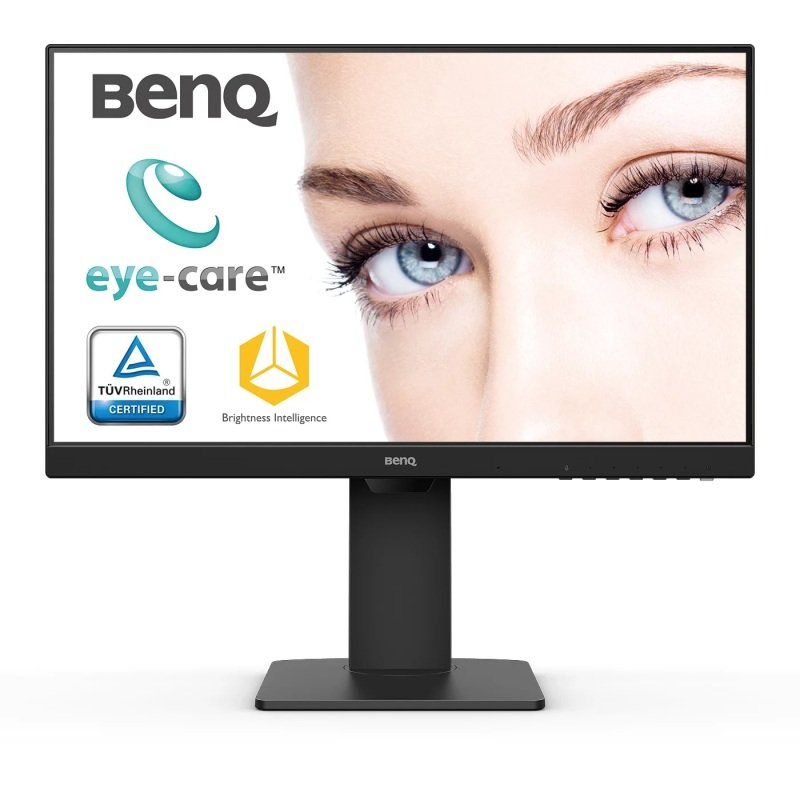 BenQ BL2485TC 24" Full HD Frameless Business Monitor - Black
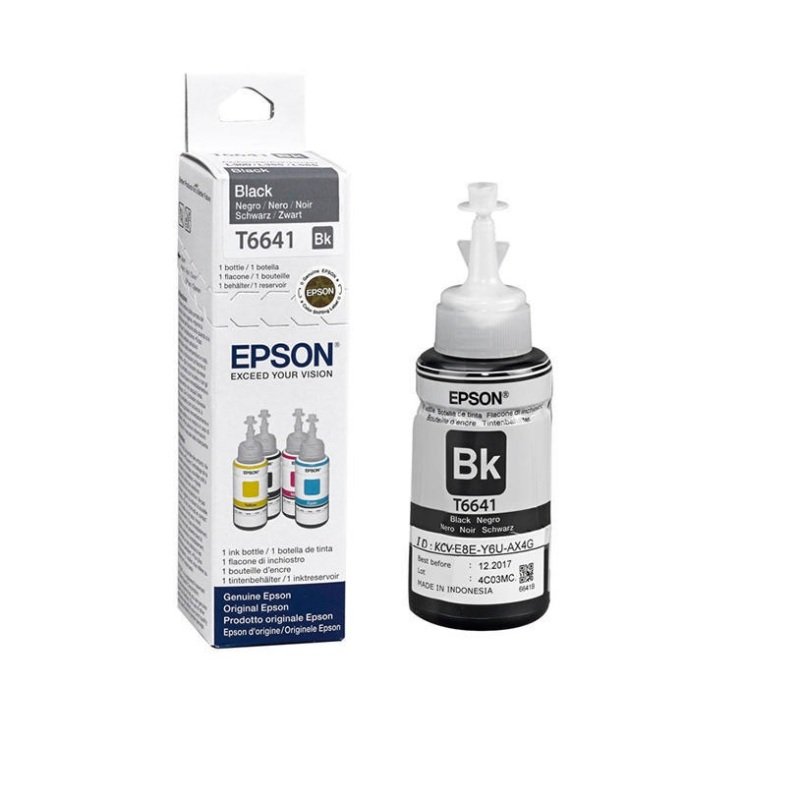 Epson T6641 Black 70m Ink Bottle
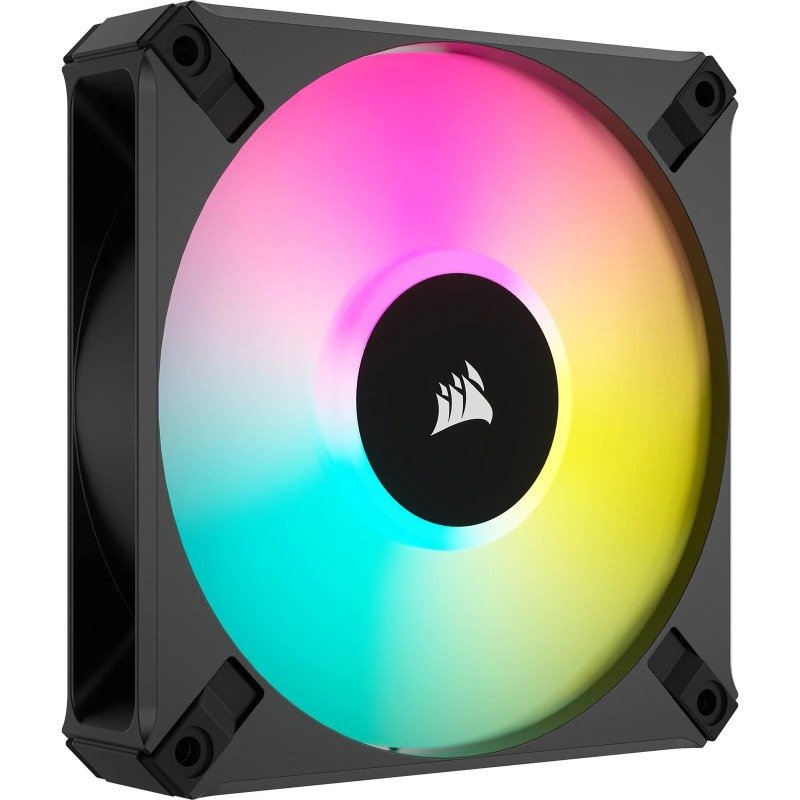 Corsair iCUE AF120 RGB ELITE 120mm PWM Fan in Black
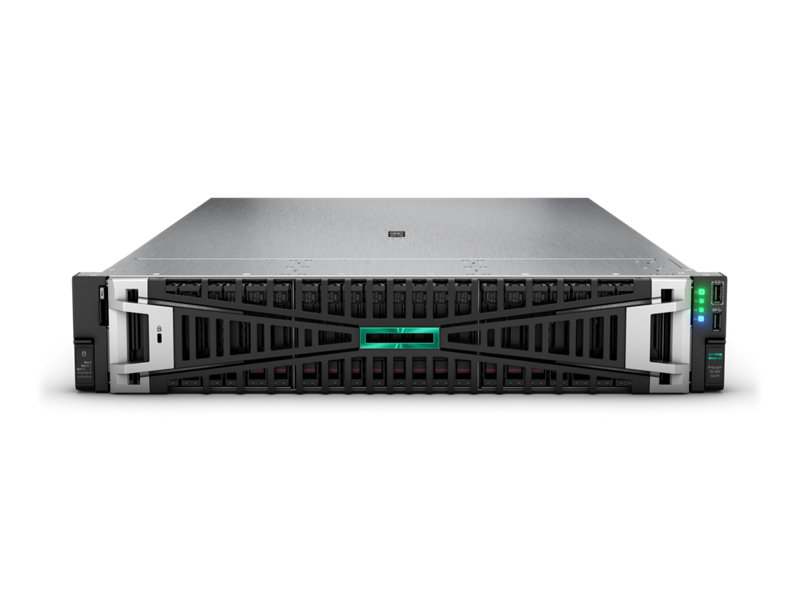 HPE ProLiant DL380 Gen11 4410Y 2.0GHz 12-core 1P 32GB-R MR408i-o NC 8SFF 1000W PS Server
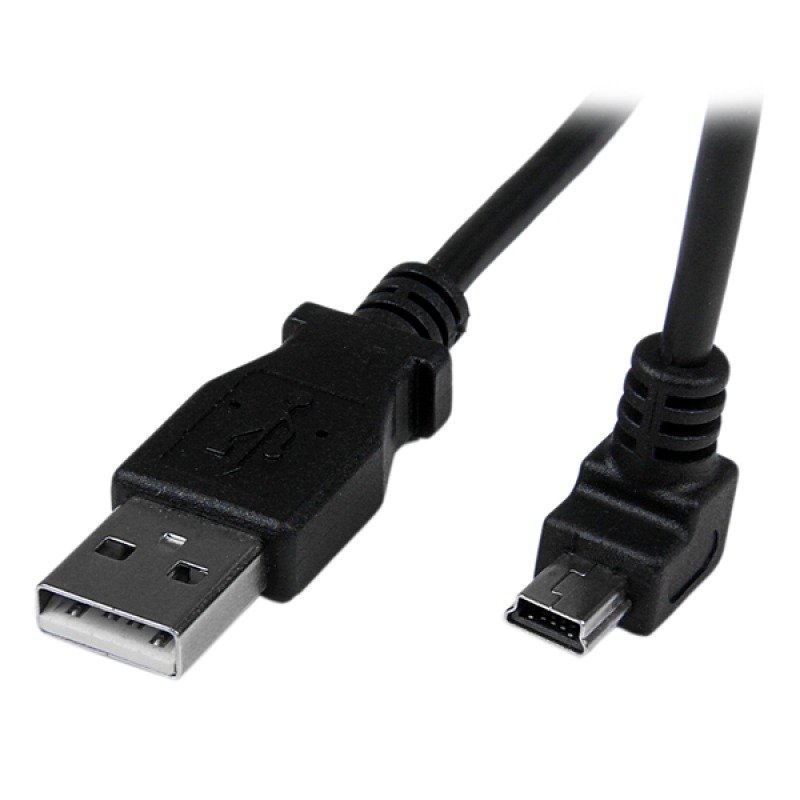 StarTech.com (2m) Mini USB Cable A to Down Angle Mini B
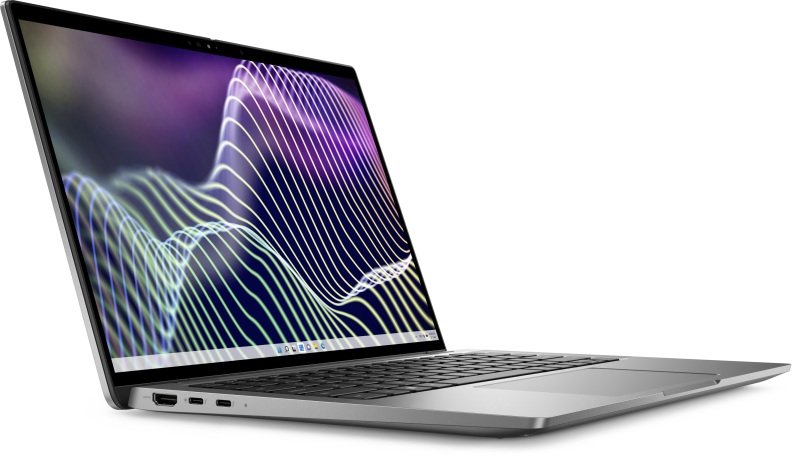 Dell Latitude 7440 Laptop, Intel Core i7-1365U up to 5.2GHz, 16GB RAM, 512GB SSD, 14 Full HD IPS, In