
Home > Ebuyer Categories > B2C_2 > QNAP TL-D800C - 8 Bay Desktop - JBOD Storage Enclosure


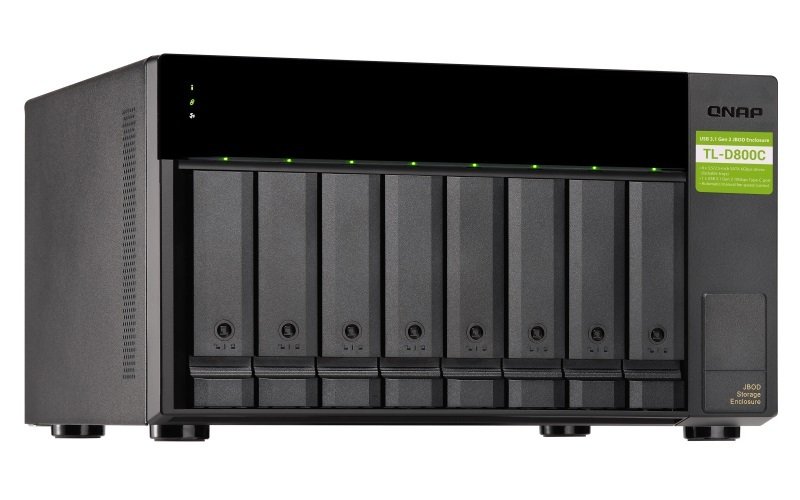
QNAP TL-D800C - 8 Bay Desktop - JBOD Storage Enclosure
 Brand
: QNAP
Brand
: QNAP
Category : b2c2 - All Categories
Ref: 992062
Price: £446.67

QNAP TL-D800C - 8 Bay Desktop - JBOD Storage Enclosure - The TL-D800C JBOD storage enclosure allows you to back up and expand your QNAP NAS and computers (supports Windows and Mac). The TL-D800C features eight 3.5-inch SATA 6Gb/s drive bays with USB 3.2 Gen 2 (10 Gbps) Type-C connectivity to provide a fast and smooth expansion solution. Flexible storage configuration and management The TL-D800C provides software-controlled configurations for greater management flexibility. Users can configure RAID and monitor disk health using the QTS / QTS hero Storage & Snapshots Manager on a QNAP NAS, or by using the QNAP JBOD Manager utility on their computer. What you need to know You can connect your TL-D800C to Windows, Mac, and Ubuntu computers through the USB interface and use built-in utility to manage the RAID configuration. Intelligently monitor JBOD enclosure status on PC and servers with QNAP JBOD Manager The QNAP JBOD Manager is a desktop utility for monitoring the TL-D800C on Windows and Mac computers. You can quickly obtain and view information about the JBOD status, health, fan rotation speed, and check for firmware version updates. All device events are recorded, and QNAP JBOD Manager will automatically send system alert notifications to your desktop. JBOD migration speeds up remote file transfers Migrating a large number of small files or a single large data file by network environment can be time-consuming and consume significant network bandwidth that causes decreased work efficiency. The TL-D800C supports remote file transfer. All you have to do is set up the RAID configuration and store a large number of files. Then you can move the TL-D800C to another place and connect it with the computer or NAS to experience the device’s simple plug and play feature and fast data migration. Use TL-D800C as a high-capacity disk drive reader by setting up single disk mode You can treat each disk in your TL-D800C as an individual storage space, and also use it as a removable drive. It can function like a high-capacity disk drive reader. When one of disk reaches data storage limitation, you can remove it and put it into a dry box. Then swap a different disk into the TL-D800C empty drive slot. After that, you can install the disk that reached full data capacity into the TL-D800C and connect it with a computer or NAS for direct file access. Versatile usage scenarios to meet storage expansion needs The TL-D800C meets many storage expansion requirements for the home and office. Below is a list of potential usage scenarios: Scenario 1: Expand your NAS capacity The TL-D800C provides an alternative method for users to expand their NAS storage capacity. By connecting the TL-D800C to their NAS and using the Storage & Snapshots Manager in QTS or QTS hero, users can easily configure and manage their storage expansion. The TL-D800C supports a variety of QNAP NAS storage and file management functions, allowing users to build storage pools, finding files with Qsirch, and organizing files with Qfiling. Scenario 2: External storage for your NAS You can use the TL-D800C to expand your NAS storage. You can select disks to create storage pools for expanding your NAS capacity, or you can treat each disk as an individual external storage space and use it as a removable drive for greater flexibility. Regardless of the mode you use, you can always use Storage & Snapshots Manager in QTS or QTS hero to set up and manage your TL-D800C and use hard drive S.M.A.R.T. and Notification Center to check disk status anytime and anywhere. Scenario 3: Expand the storage space of your Windows, Mac, and Ubuntu computer You can use your TL-D800C with Windows, Mac, and Ubuntu computers to expand more storage space. You can set up the RAID configuration of your TL-D800C to further secure data protection. Moreover, you can also use the single disk mode and format with the exFAT file system for more convenient access and sharing of files between Windows® and Ubuntu® computers. High-speed USB transfer TThe TL-D800C features high-speed USB 3.2 Gen 2 Type-C connectivity and built-in USB Attached SCSI Protocol (UASP) to provide convenient fast file sharing and intensive data transfer. The TL-D800C not only provides you higher file transfer performance than traditional USB interfaces but offers a more cost-effective option than REXP SAS JBOD.
Customers who purchased "QNAP TL-D800C - 8 Bay Desktop - JBOD Storage Enclosure" also bought:
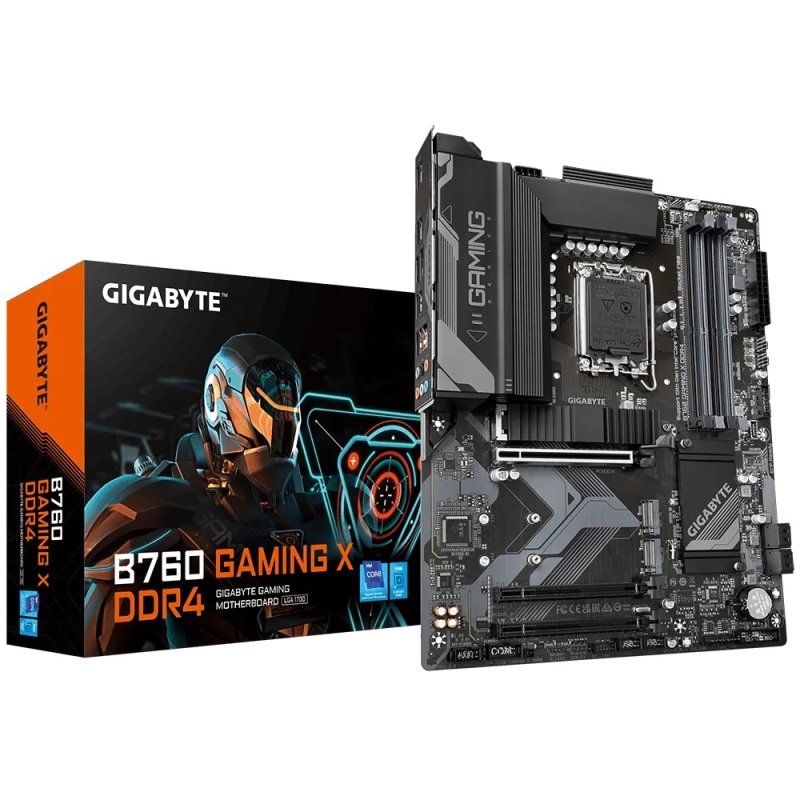 Gigabyte B760 GAMING X DDR4 ATX Motherboard
 Cables Direct - Patch cable - RJ-45 (M) - RJ-45 (M) - 10 m - STP - ( CAT 6 ) - snagless booted - gre
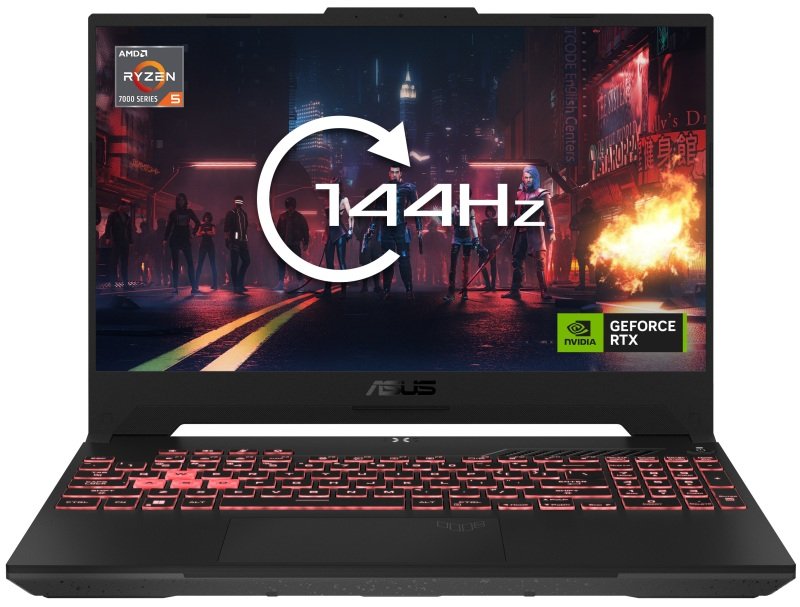 ASUS TUF Gaming A15 FA507NV Gaming Laptop, AMD Ryzen 5 7535HS, 16GB RAM, 512GB SSD, 15.6" Full
 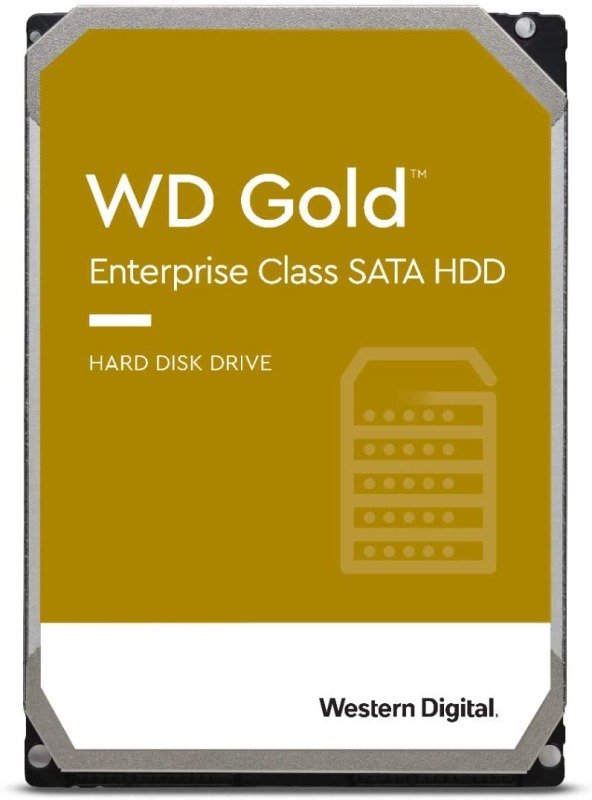 WD Gold 16TB Enterprise Hard Drive
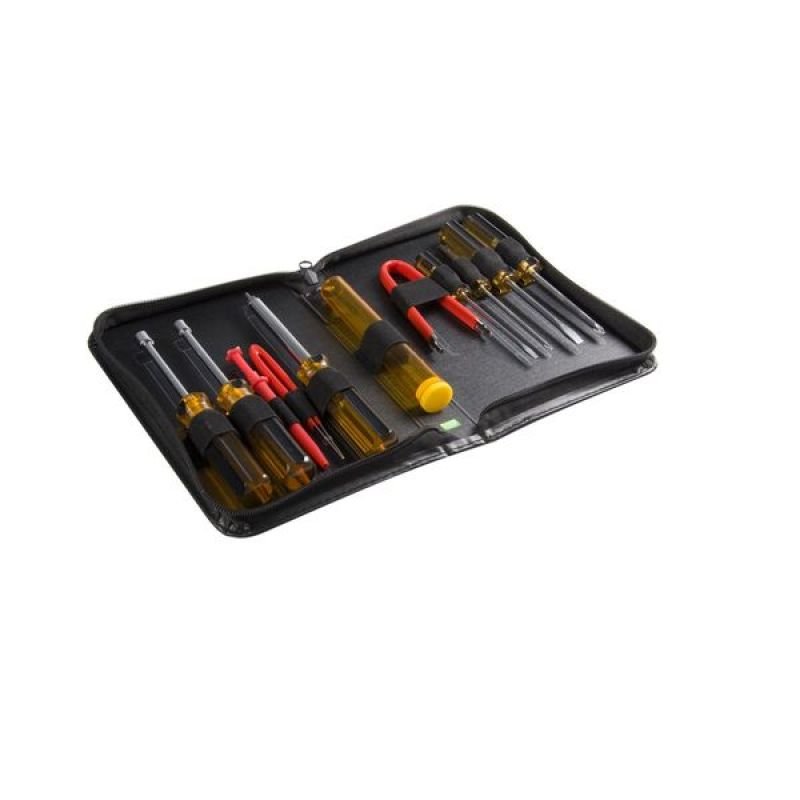 StarTech.com 11 Piece PC Computer Tool Kit with Carrying Case - PC Tool Kit - Computer PC Repair Too
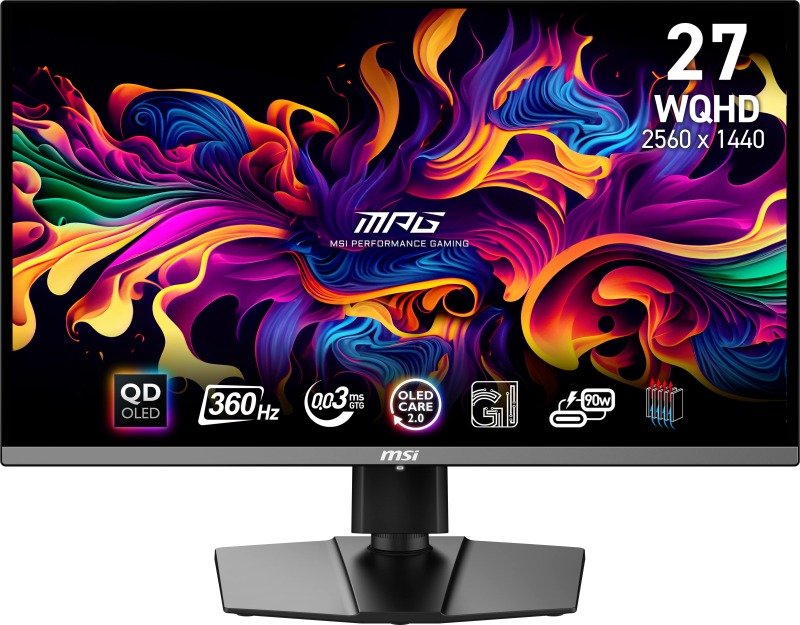 Msi Mpg 271qrx Qd-oled
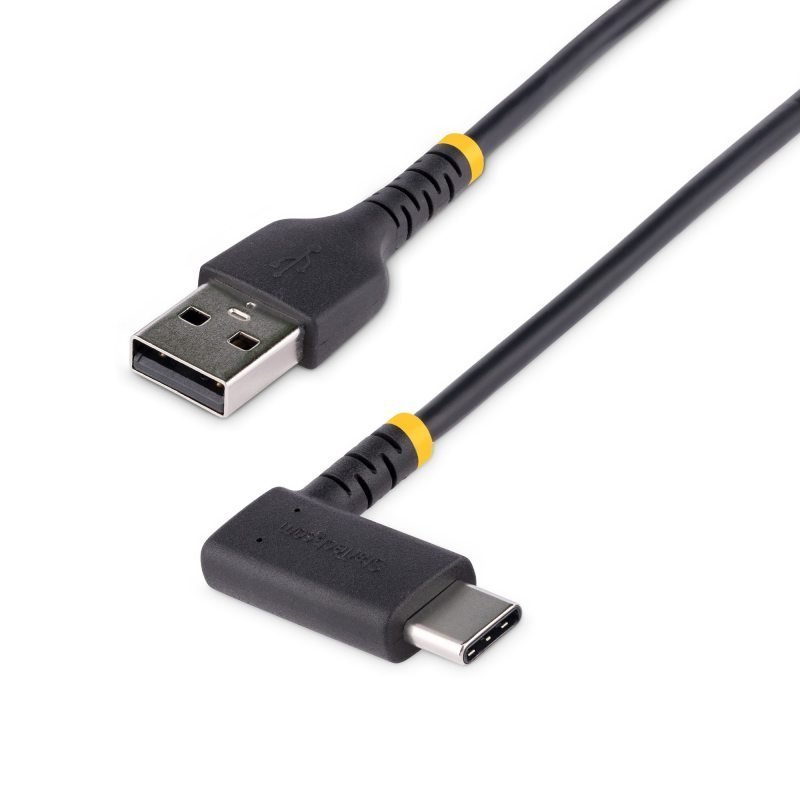 StarTech 2M USB C Cable With 100w Power Delivery - USB-B To USB-C DP Charging Cord
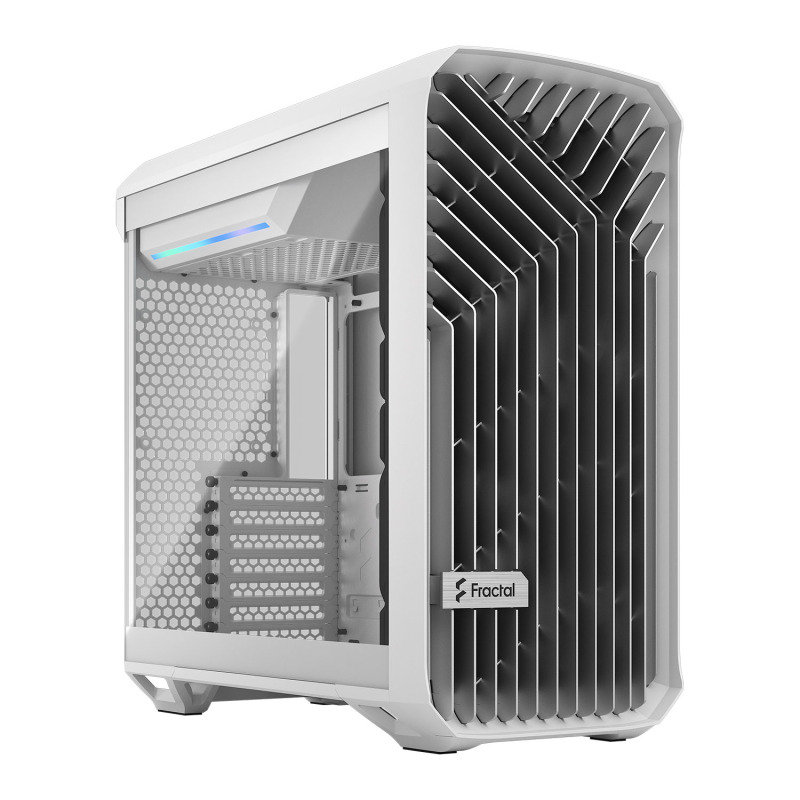 Fractal Design Torrent Compact Windowed White Mid Tower PC Gaming Case
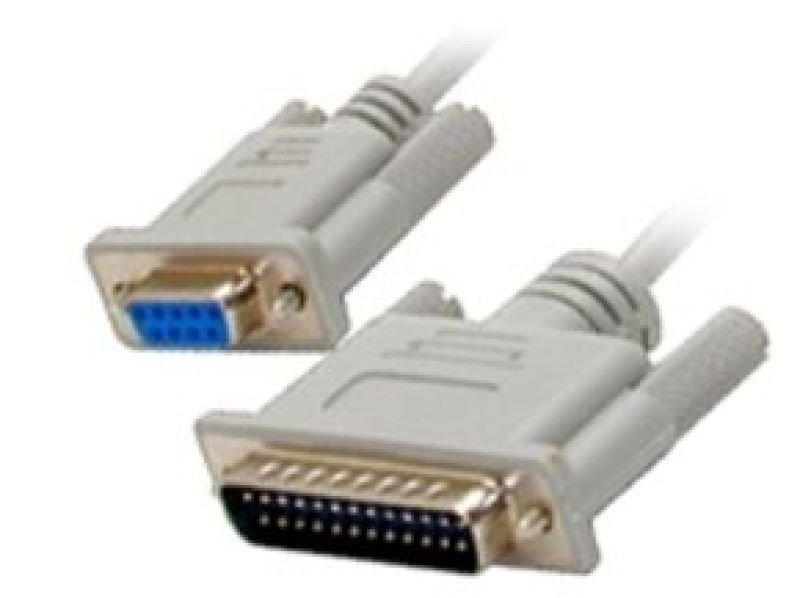 Startech Serial Null Modem Cable DB-9 (F) To DB-25 (M) - 3 m
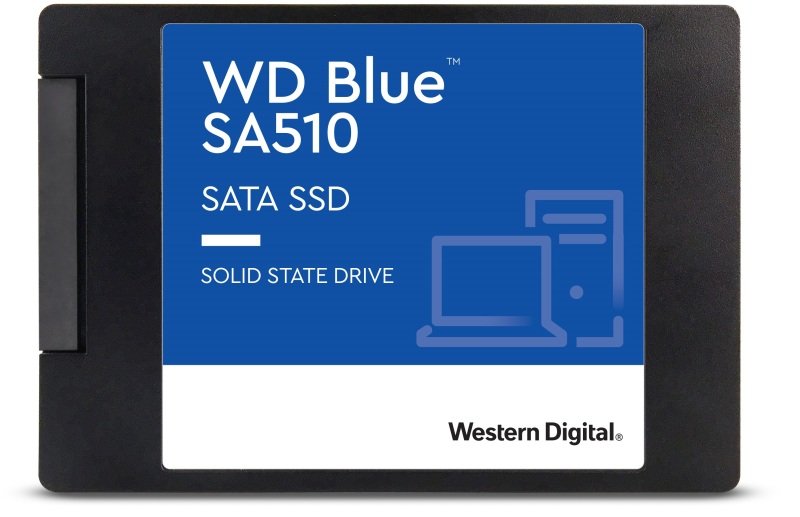 WD Blue SA510 4TB 2.5 SATA Gen3 SSD