
Home > Ebuyer Categories > DEFAULT > TP-Link RE300 AC1200 Mesh Wi-Fi Range Extender


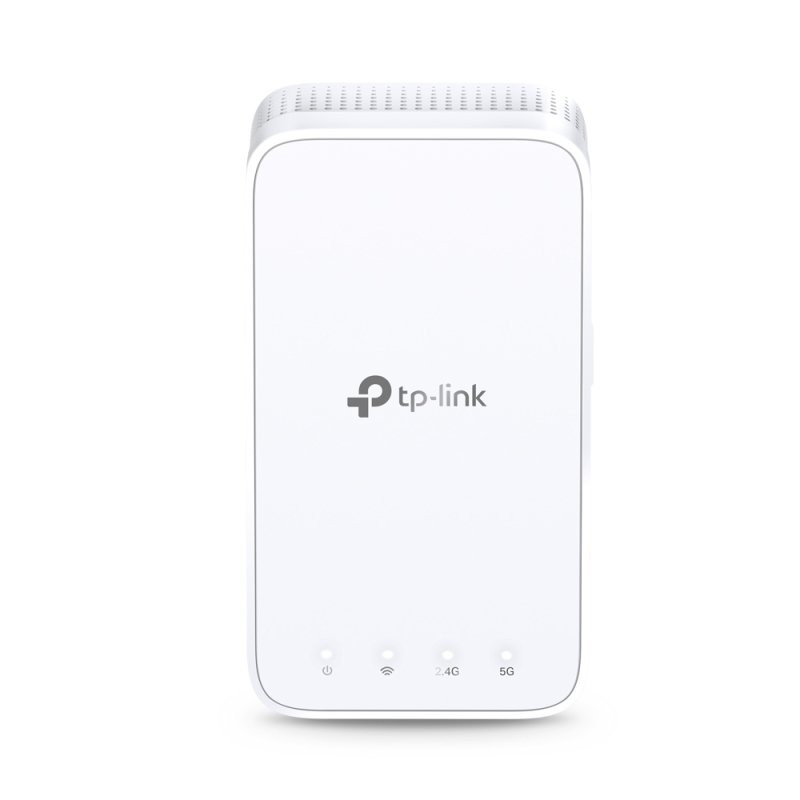
TP-Link RE300 AC1200 Mesh Wi-Fi Range Extender
 Brand
: TP-Link
Brand
: TP-Link
Category : default - All Categories
Ref: 899086
Price: £35.99

TP-Link RE300 AC1200 Mesh Wi-Fi Range Extender - Features Extends dual-band Wi-Fi across your home to eliminate Wi-Fi dead zones. Creates a Mesh network by connecting to a OneMesh router for seamless whole-home coverage. Operates over both the 2.4 GHz band (300 Mbps) and 5 GHz band (867 Mbps)*1 for more stable wireless experience. Smart signal indicator helps to find the best location for optimal Wi-Fi coverage by showing the signal strength. Push the WPS button to easily set up a Mesh network you can uniformly manage from the Tether app or Web UI. Works with any Wi-Fi router or wireless access point.*2 Keep the Whole Home Connected RE300 wirelessly connects to your Wi-Fi router, strengthening and expanding its signal into areas it can’t reach on its own. With speeds of up to 300 Mbps on 2.4 GHz and 867 Mbps on 5 GHz*1, put strong, fast Wi-Fi in every room and say goodbye to dead zones. TP-Link OneMesh OneMesh is a simple way to form a Mesh network with a single Wi-Fi name for seamless whole-home coverage. Just connect a OneMesh range extender to a OneMesh router. No more searching around for a stable connection. Enjoy a Mesh Network with Your Existing Router Want a Mesh network? Hesitate on whether to replace your existing router and buy a Mesh set? TP-Link OneMesh resolves your dilemma. Secure One-Touch Connection for Easy Setup Step 1: Simply press the WPS button on your router and, within 2 minutes, the WPS button on RE300 to connect to the network. Step 2: Once connected, place RE300 to the best location—without reconfiguration. Notes: Please connect the extender to the router via the Tether app or Web UI if your router doesn’t support WPS. Find the Best Location with the Smart Signal Indicator The smart signal indicator lets you see signal strength from the existing router at a glance. Easily to find the best place to position your range extender to extend your Wi-Fi. *1. Maximum wireless signal rates are the physical rates derived from IEEE Standard 802.11 specifications. Actual wireless data throughput and wireless coverage are not guaranteed and will vary as a result of 1) environmental factors, including building materials, physical objects, and obstacles, 2) network conditions, including local interference, volume and density of traffic, product location, network complexity, and network overhead, and 3) client limitations, including rated performance, location, connection quality, and client condition. *2. The product may not be compatible with routers or gateways with firmware that has been altered, is based on open source programs, or is non-standard or outdated. *3. Smart Roaming is designed for devices that support the 802.11k/v standard.
Customers who purchased "TP-Link RE300 AC1200 Mesh Wi-Fi Range Extender" also bought:
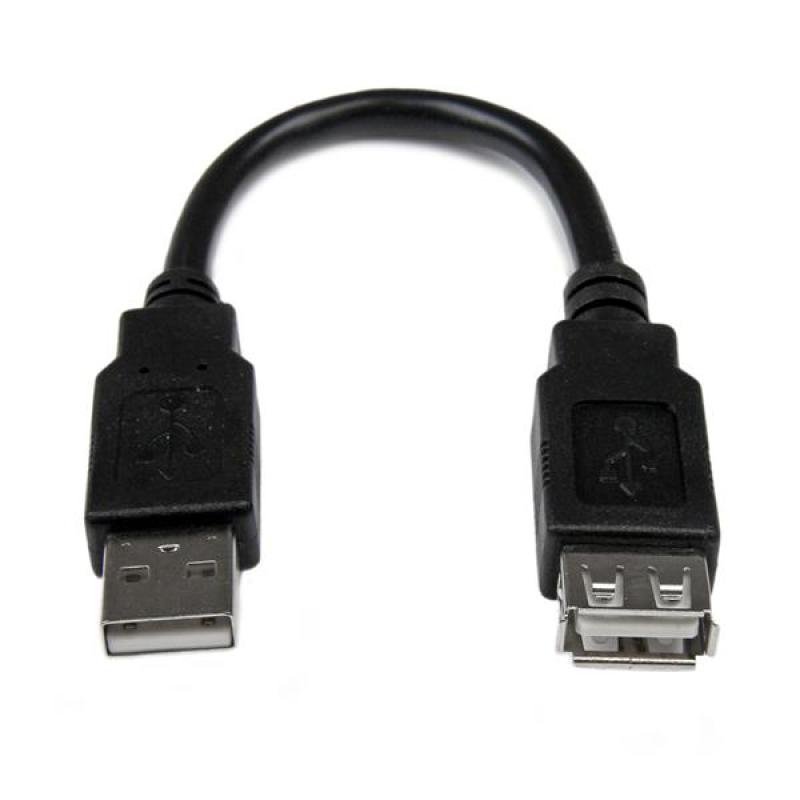 Startech.com 6in USB 2.0 Extension Adapter Cable A to A - M/F
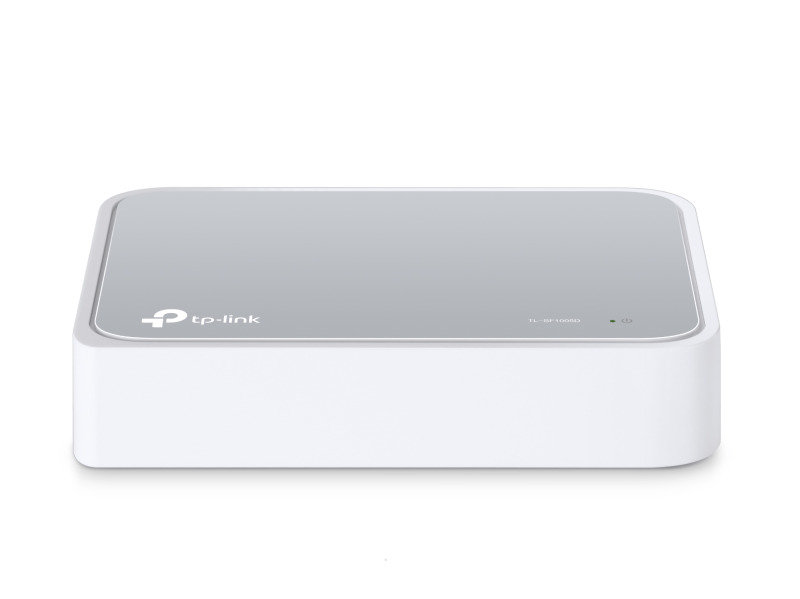 TP-Link TL-SF1005D V14 5-Port 10/100Mbps Desktop Network Switch
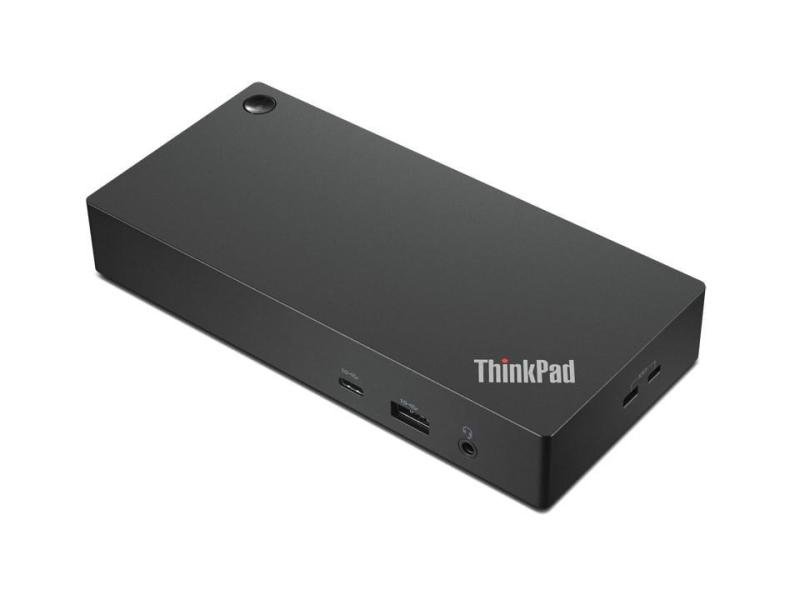 THINKPAD USB-C DOCK GEN3- UK
 Mario vs. Donkey Kong for Nintendo Switch
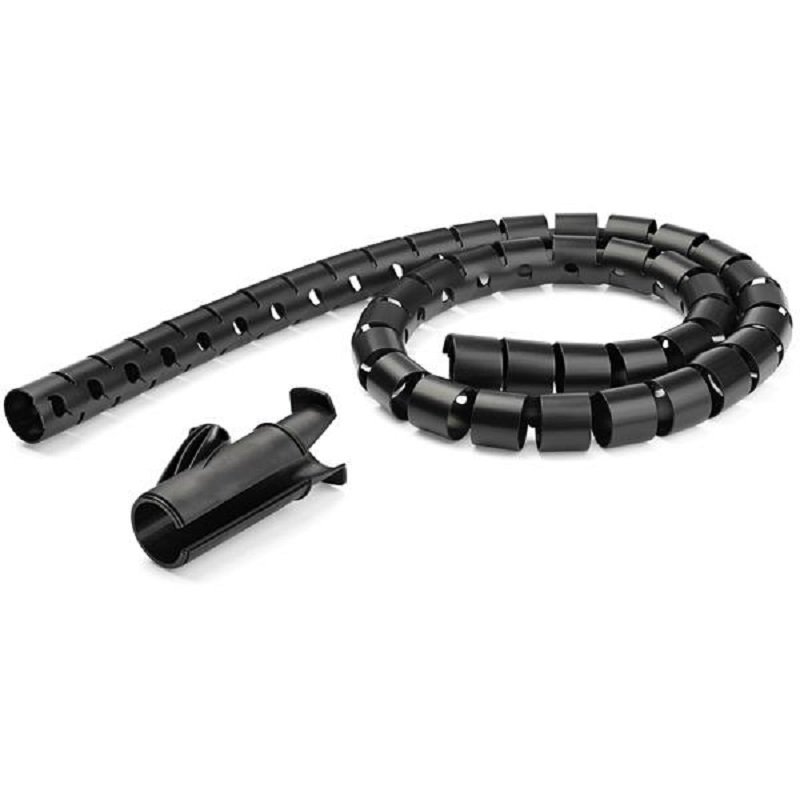 StarTech.com 2.5 m (8.2 ft.) Cable-Management Sleeve - Black
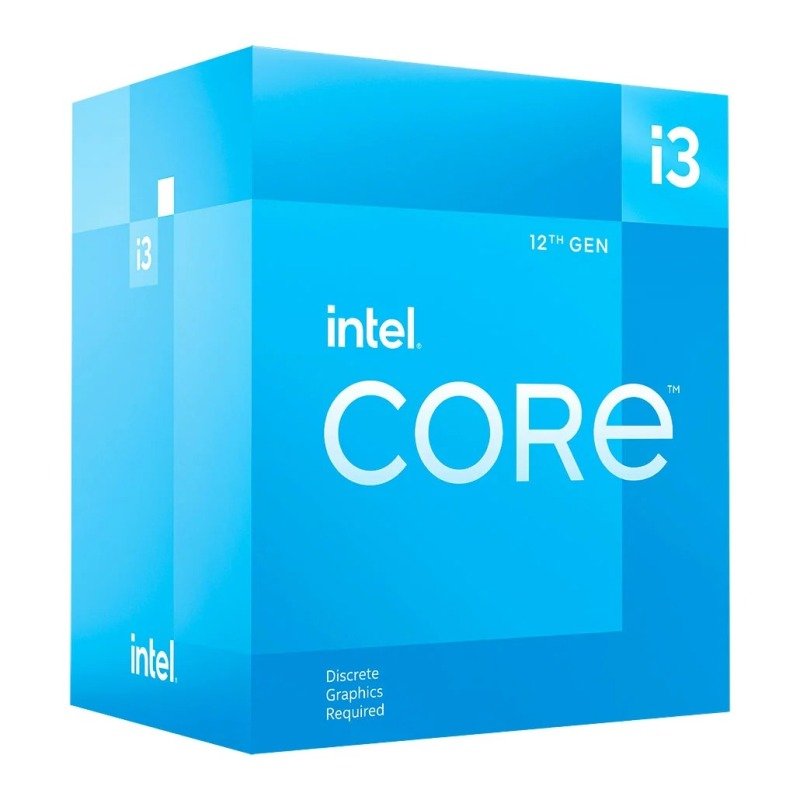 Intel Core i3 12100F CPU / Processor
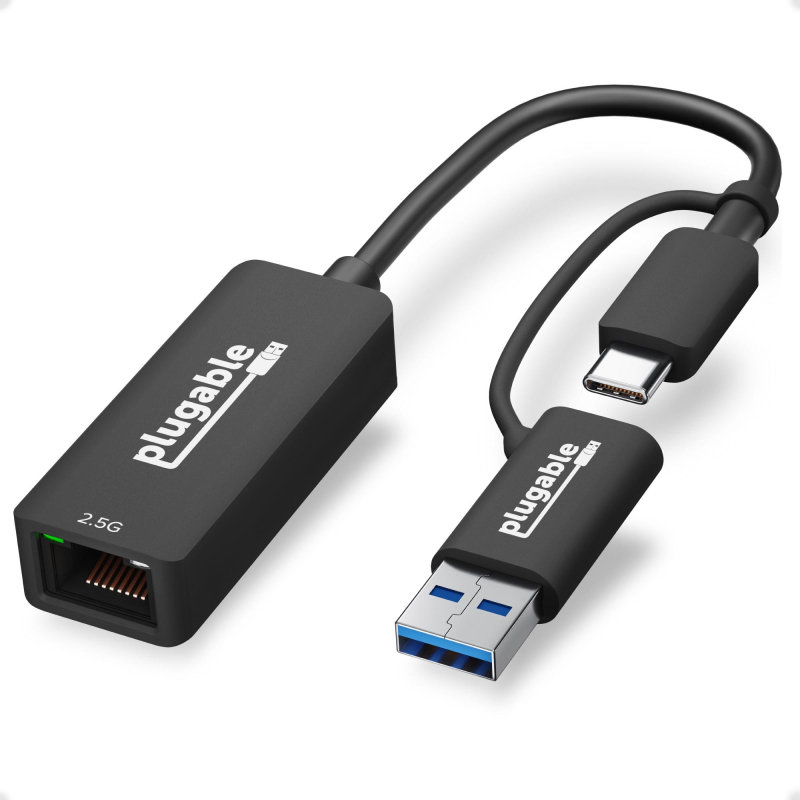 Plugable Technologies 2.5G USB C and USB to Ethernet Adapter - 2-in-1 Adapter
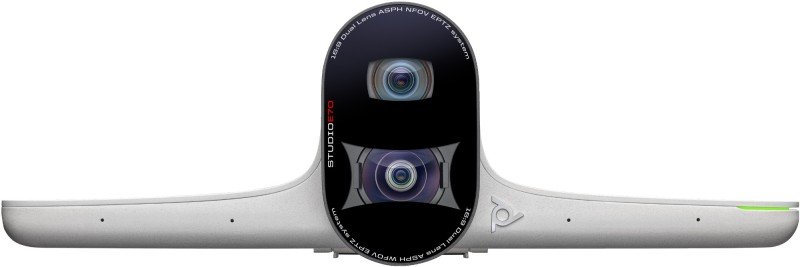 POLY Studio E70 Smart Camera 20 MP
 5m White CAT 6A SFTP (double Shielded) LSZH Snagless
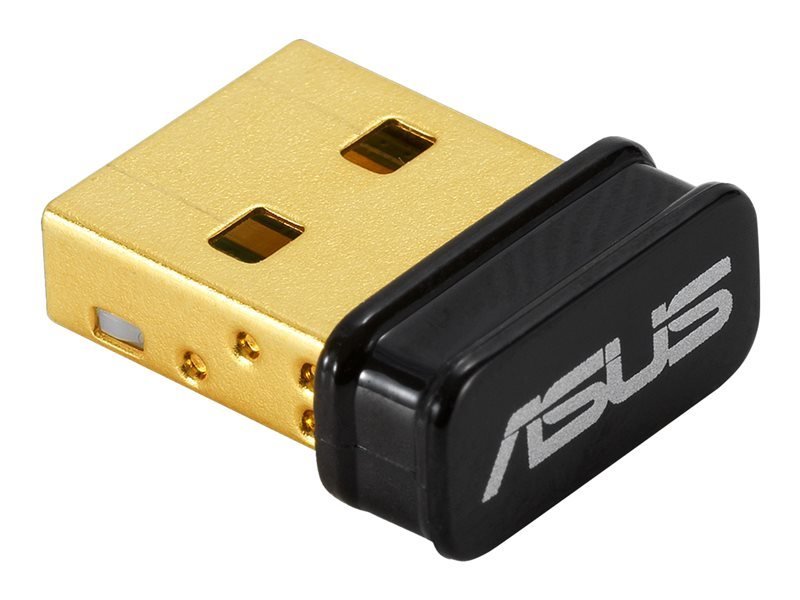 ASUS USB-BT500 - Network Adapter - USB 2.0